Deploy as Chatbot
PuppyAgent supports deploying your Workflow as Chatbot to create a conversational interface.
1. Click the Deploy button in the top-right menu.
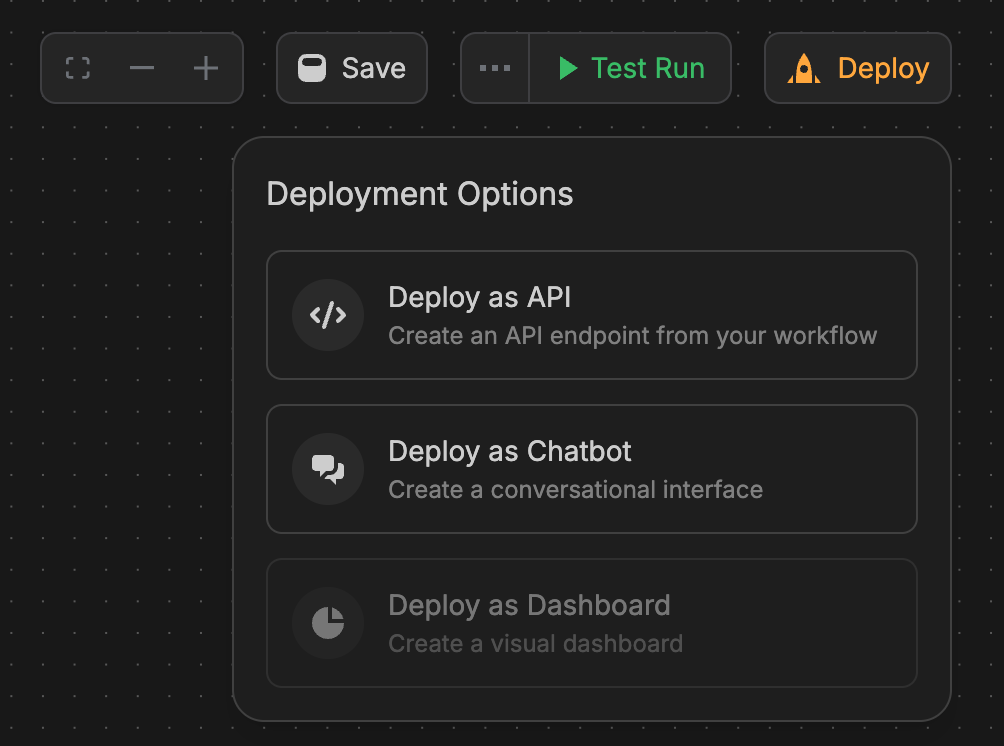
2. Click the Deploy as Chatbot button.
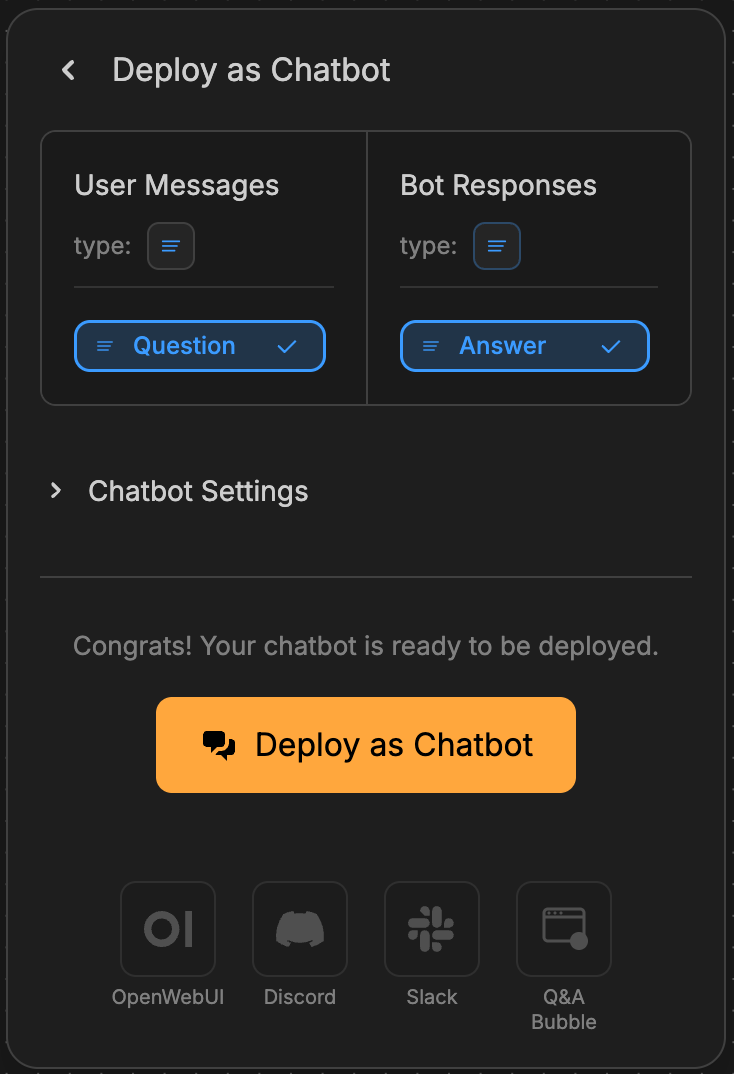
Configuration:
- User Messages: Select the user message block in your workflow.
- Bot Responses: Select the anwser block in your workflow.
- Chatbot Settings:
Enable Multi-turn Dialogueand edit theWelcome Message.
3. Click the Deploy as Chatbot button.
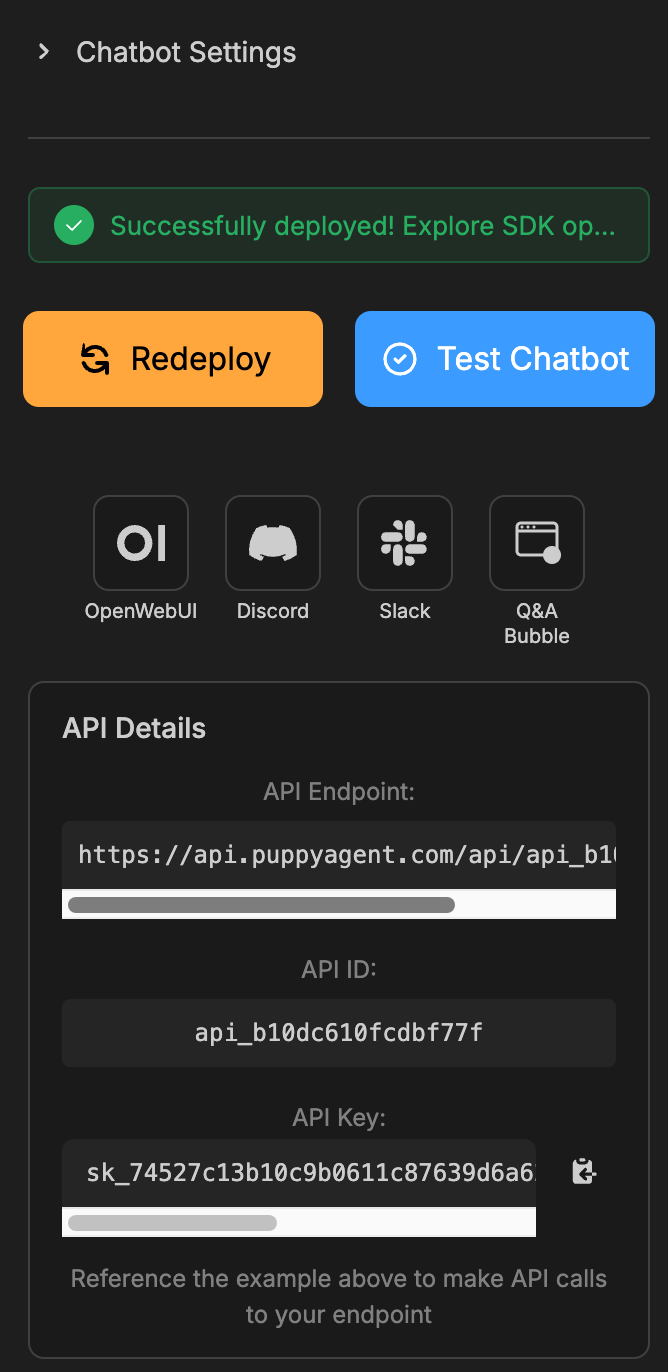
As you can see, the chatbot has been successfully deployed. The API details are shown in the block. You can also click the icon under Test Chatbot to generate SDKs for OpenWebUI, Discord, Slack, and the Q&A bubble.
3. Click the Test Chatbot button.
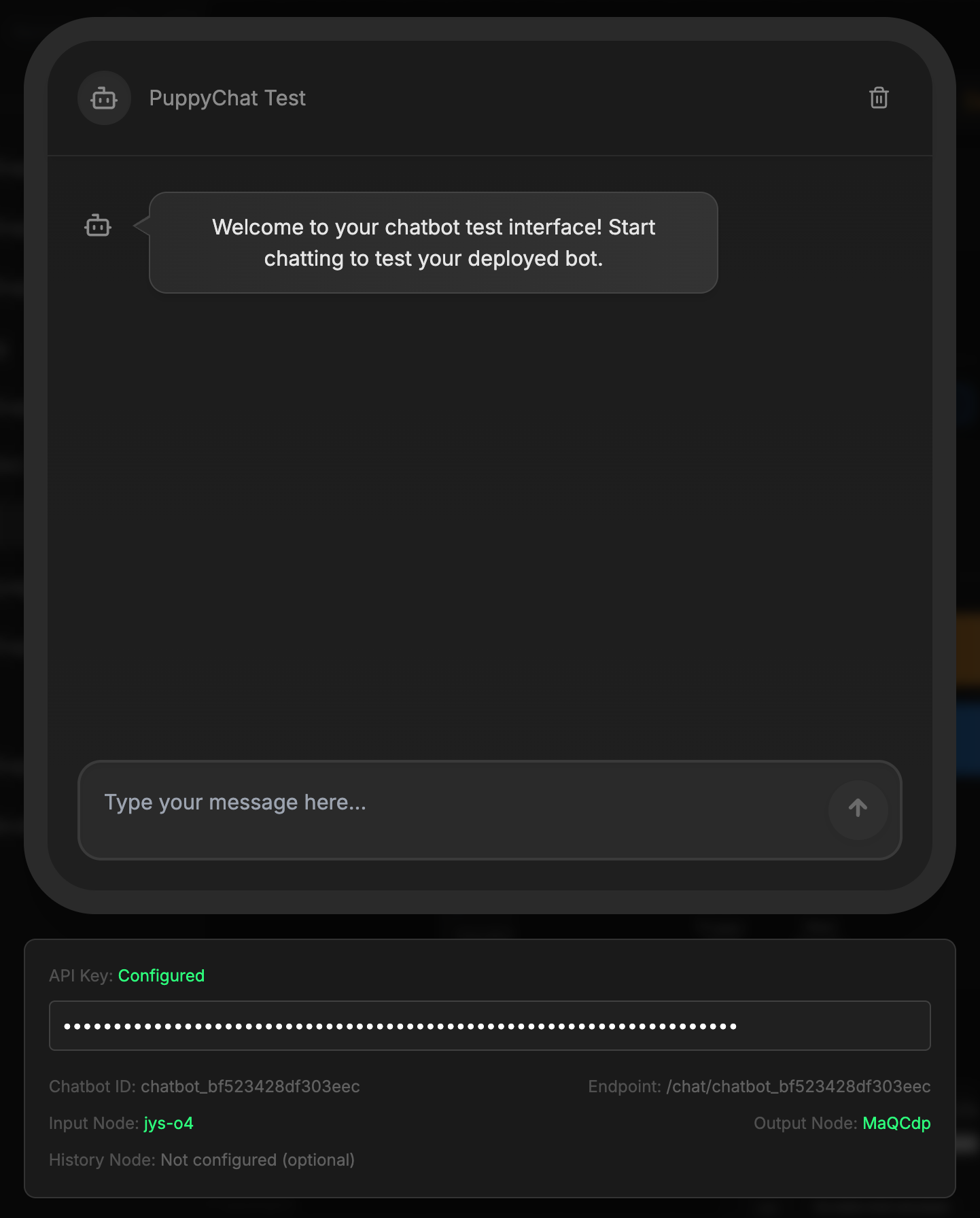
Now you can type your message to start a conversation with the chatbot.